.svg)
Table of Contents
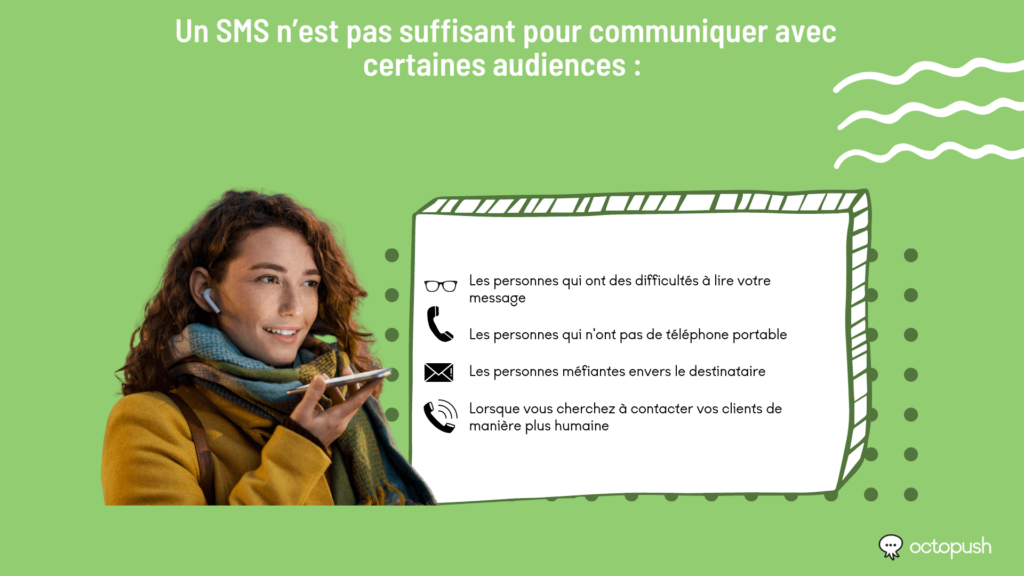
Sometimes, a standard SMS isn't enough to reach certain audiences, for reasons such as:
- Difficulty reading your message,
- No mobile phone,
- Distrust of the sender,
- Or simply because you want to connect with your customers in a more human way.
Octopush offers a voice SMS solution. With it, the text you enter is converted into a synthetic voice message and delivered to your audience via a phone call instead of a text message.
Voice SMS is ideal for urgent notifications. Delivery is just as fast as standard SMS, but it is more reliable since recipients are generally aware they are receiving a call. Furthermore, they can be as long as needed, as they are limited to 1,000 characters instead of the 160-character limit for standard SMS.
They allow you to contact your customers, suppliers, and employees on their phone numbers immediately, ensuring a real-time response.
How to send a voice SMS: the Octopush method
Text-to-speech (or speech synthesis) is a voice assistance technology that reads digital text aloud. With a simple command, text-to-speech can retrieve text from a computer or other digital device and convert it into audio.
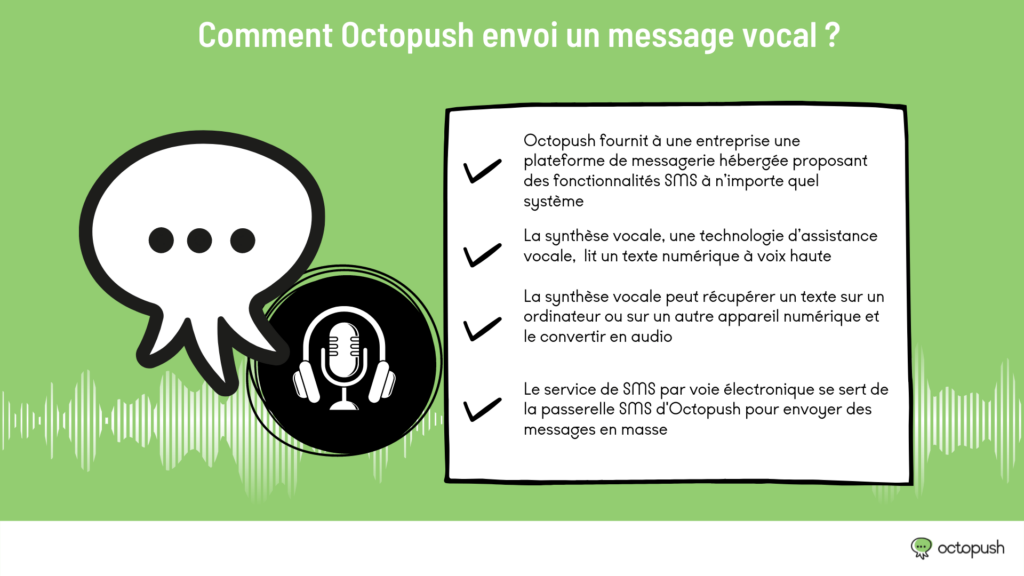
Our electronic voice SMS service uses our SMS gateway to send messages in bulk, providing your business with a hosted messaging platform that brings SMS functionality to any system, from any application or our website.
How do I send a voice SMS from the Octopush platform?
To send your first voice SMS campaign from our platform, follow these steps:
Step one for sending a voice SMS
Start by considering the type of message you want to send. Voice SMS does not allow for message personalization. Therefore, you must enter a single message for your entire contact list or a specific segment. If you wish to use voice SMS to send OTPs, please contact us to set up this service.
Step two for sending a voice SMS
Log in to your client area on our platform. If you don't have an account yet, create one via this link. Account validation takes five minutes.
Step 3:
You have five free SMS credits to test our services. If you have already used them, you will need to purchase more. In your client area, click the "Order" button in the left-hand navigation bar, then select "Voice SMS."
Step 4:
You can purchase voice SMS to send within France and to 190 other destinations worldwide. Pricing is based on an average duration of 30 seconds per voice SMS. For longer messages, you are billed by the second. A minimum order of 300 voice SMS is required.
Step 5:
Once the purchase is complete, your credit will appear in the top right corner of the screen.
Step 6:
To send a voice SMS campaign, click "New campaign" in the left-hand menu and select voice SMS as your campaign type.
Step 7:
In the voice SMS campaign creation screen, enter your message. You can write up to 1,000 characters, which is equivalent to approximately 30 seconds of call time.
Step 8:
Next, select the recipients for your message. You can send it to a specific contact list, contacts matching a tag, a database rented on Octopush, or by manually entering the phone numbers yourself.
Step 9:
The sender ID customization feature is available depending on the country where you are sending your voice message.
Step 10:
You can choose to send your voice SMS campaign immediately or schedule it for a later date.
Step 11:
Finally, Octopush offers a text-to-speech service in 12 languages—French, Greek, Polish, Hungarian, Swedish, German, English (US and UK), Catalan, Spanish (Latin American), Italian, Portuguese (Brazilian), and Russian—to give your message a natural and fluid tone.
Final step in how to send a voice SMS:
The option to choose between a male or female voice is available depending on the language of the message.
Don't forget to send a test message before launching your campaign.