.svg)
Table of Contents
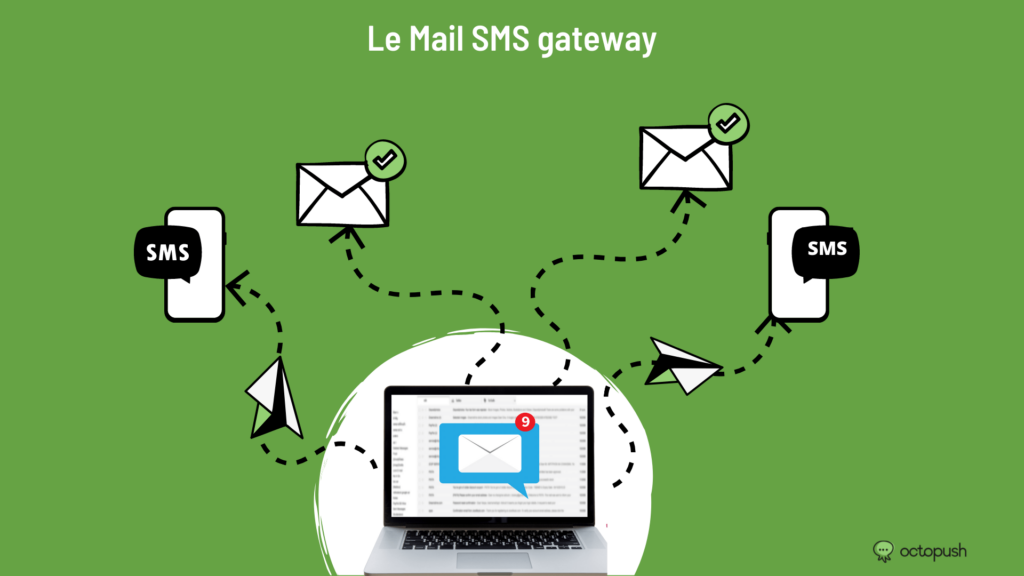
The Email-to-SMS gateway can be a highly effective communication channel for businesses. As a business owner, you need to stay in constant contact with your employees and clients. This can be challenging when you are away from your computer, making it difficult to stay in the loop. Furthermore, it is not always possible or appropriate to send a text when an email is the best way to convey your message. Mobile phones put powerful resources right in the palm of your hand: you can send emails via SMS. And if you face the opposite problem—being without mobile service—it is easy: you can also receive text messages through your email account.
Can I send SMS via email?
Paying for mobile phone service can be expensive, and monthly bills can quickly add up. Sending SMS through other means is an option. You could download apps that allow you to send texts and make calls, but not all phones support these apps. You may also be limited in the number of SMS you can send to your clients.
Fortunately, there is a completely free way to send SMS that requires no additional downloads or services: sending text messages via email. Many people are unaware that almost every mobile carrier has an email address for sending SMS. You can use your own email address to send SMS. This allows you to send an SMS from your email account directly to someone’s phone inbox using a gateway.
What is an "email-to-SMS gateway"?
An "Email-to-SMS Gateway" allows for the exchange of SMS between mobile network subscribers and email service users via a gateway. Sending messages from email accounts to SMS is also supported. Real-time billing and authorization are handled through integration with Microsoft Outlook Mobile Services.
Reliable subscriber authorization mechanisms prevent spam when using the service. An easy-to-use interface for account management enhances usability. Interaction with the SMSC occurs via the SMPP protocol, while interaction with external mail servers is handled via the SMTP protocol or the Microsoft XML protocol.
How does it work?
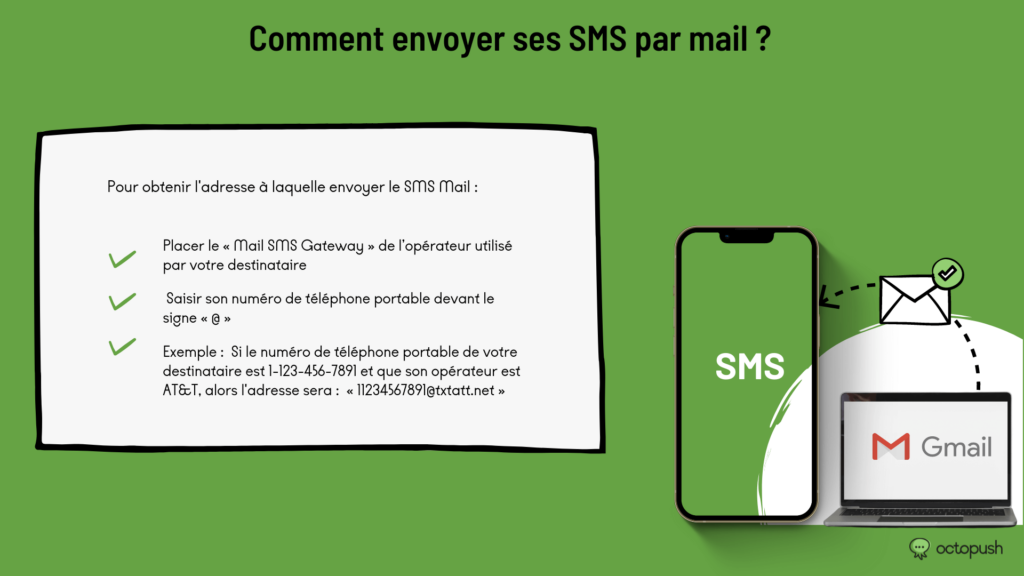
Sending SMS via email is incredibly simple. You just need to type the "Email-to-SMS Gateway" address of your recipient's carrier and enter their mobile phone number before the "@" sign. For example, if your recipient's mobile number is 1-123-456-7891 and their carrier is AT&T, you would type the following address in the "To" field: "11234567891@txtatt.net". Almost all carriers have their own specific address for this purpose.