.svg)
Table of Contents
Among the services offered by professional SMS providers, voice SMS offers many benefits that are sometimes overlooked. They are extremely practical for conveying information that users really shouldn't miss.
Furthermore, voice SMS allows information to be conveyed to visually impaired individuals.
For what purpose do companies send voice messages?
Octopush offers this service as a solution for professionals. First, you draft an SMS on the platform from your customer account. Then, this SMS is automatically converted into an audio recording broadcast over telephone networks (you can choose the language and the gender of the voice). This message is received as a short call lasting a maximum of 30 seconds.
To share news
Informing your customers about updates and other news regarding your service is important. Indeed, it helps you maintain your brand's reputation.
When developing voice SMS campaigns, it is important to understand your consumers' needs, as well as the most relevant information to share with them. This way, you won't disturb them with calls that offer no added value.
For event reminders
Voice messages are reliable when you need to make a large number of short, simultaneous calls. Services that need to remind their customers of events or appointments that shouldn't be missed benefit from this in particular. Use them to follow up on a payment or notify them of a rental period that is ending soon.
This is the case, for example, for hospital services, clinics, as well as schools and human resources departments, where it is necessary to manage employees who do not always have access to an Internet connection or who are constantly on the move.

For alert messages
Learning how to send a voice message via SMS proves useful for healthcare professionals. Particularly those who work with elderly or visually impaired people, whether it is to remind them to take their medication, to inform them of the progress of their file, or to announce the date of a visit from a loved one or a medical appointment.
For retailers, voice SMS alerts can be used to inform buyers about the progress of their order or a delivery.
Sending voice SMS: what are the solutions?
In addition to the simple, fast, and spontaneous communication that SMS provides, voice messages have the advantage of being more personal and easier for the user to understand. In this way, the information you convey becomes more impactful.
Sending a voice SMS from an Android device
Today, almost all Android smartphones have a voice message feature, which allows you to send a recording of the sender's voice. These are practical in the sense that it is no longer necessary to type a message directly on the phone's keyboard.
To send audio recordings via the standard Google messaging app, go to the settings to authorize the app to access your device's microphone.
Return to the app to start a conversation, tap the green symbol to the left of the text box, and then tap the microphone icon at the bottom of the screen.
Next, hold down the button while you record your message.
However, this is not a professional solution, as you would need to create unique messages for your entire customer database. This would be far too time-consuming and expensive, whereas you can rely on Octopush to handle this process in just a few minutes.
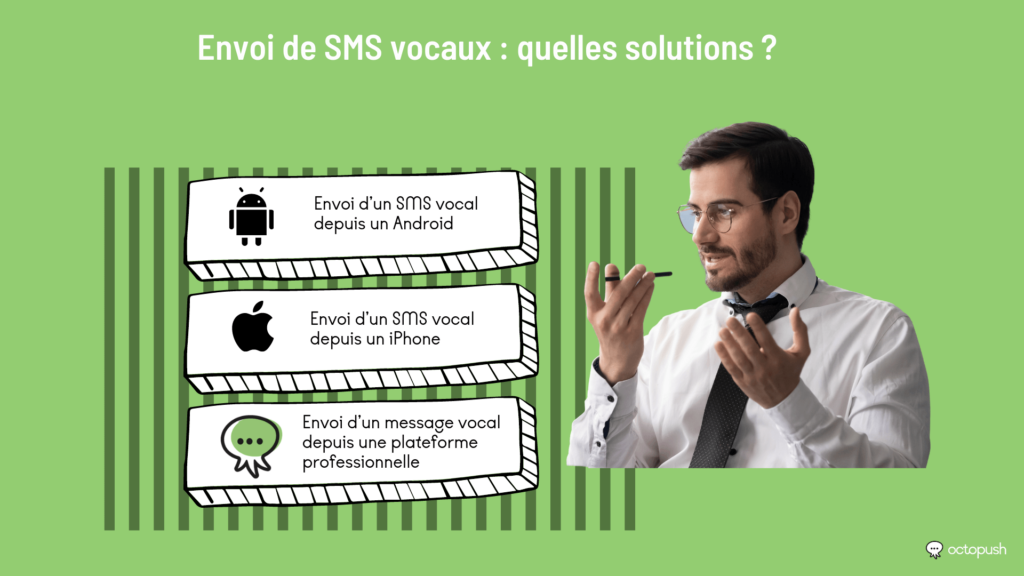
Sending a voice SMS from an iPhone
When sending texts from your iPhone, sending an audio message is as simple as pressing a button, provided you are sending it to someone who also has an iPhone. It is a bit trickier if your recipient is on Android. That is why it is in everyone's interest to learn how to send a voice message via SMS.
First, to exchange voice messages between two iPhones, simply open the messaging app and tap the recording icon located to the right of the text box.
Record your message, making sure to keep your finger on the button. When you are finished, release it.
The app allows you to listen to your recording. Simply press the play button, and delete it if you are not happy with it. To send it, just tap the upward-pointing arrow.
Note: once your message is sent, it disappears after two minutes.
If you want to keep your voice messages, go to your message settings, then to the Audio Messages category. There, you can change the expiration time and select "Never."
If you have an iPhone and want to send an audio message to an Android user, open the Voice Memos app, which is available on all iPhones.
Sending a voice message from a professional platform
Sending a message from your personal mobile phone or an app wastes a lot of time, as you have to send each message to your contact list individually.
On the other hand, performing the same task from a professional platform is much simpler and offers a faster response time.