.svg)
Table of Contents
Sending text messages via the internet requires careful preparation. SMS is one of the simplest types of messages to write. By offering the highest open rates, it has become the most effective communication tool. If you decide to use it for a marketing campaign, you can effectively promote your business. However, for your marketing campaign to be a true success, it is important to follow certain rules. Here are 3 steps to help you prepare your text message.
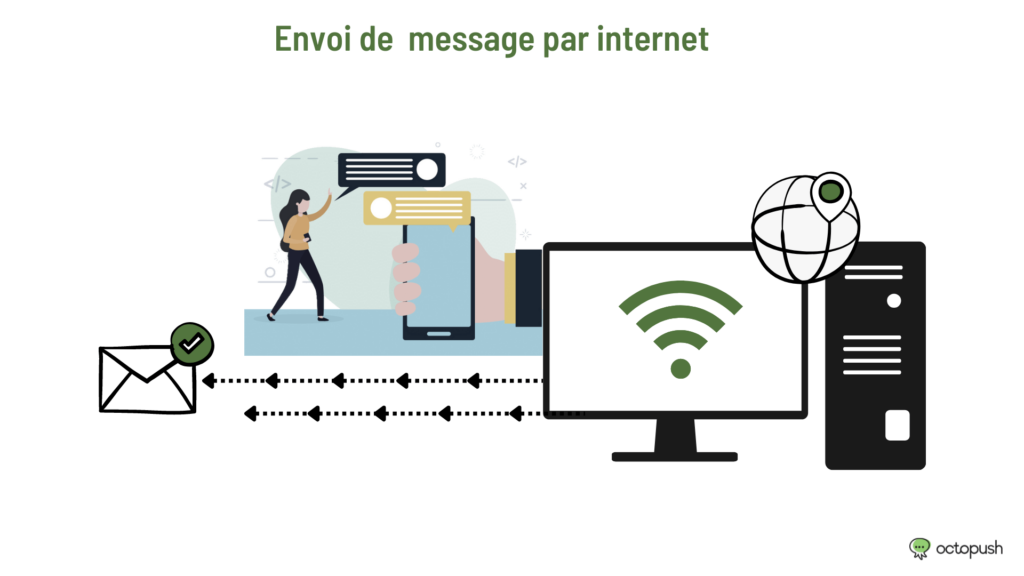
1— Determine the type of use: is it a professional message or a personal one?
For a successful SMS campaign, the type of use is a fundamental element that should not be overlooked. Is your SMS professional or personal? To determine this, you need to know your target audience well. This will allow you to set up all the information you need to update about them. You can also gather this information on your non-customer prospects.
However, to obtain this information, you need to be creative. For example, you can organize a contest. To participate, the customer will have to register by providing personal information. This way, you can determine their profile and preferences.
To facilitate collection, don't hesitate to install interactive kiosks at your point of sale. These are tools that will allow your customers to register in just a few clicks. Ultimately, the customers will do all the data entry work. However, you can enrich this information by taking advantage of the presence of your new contacts. This way, your bulk messages have a clear objective, and you can easily take action via an application or an API from a computer to a mobile phone.
2- Sending professional messages or texts via the internet: Use specialized platforms / APIs
When drafting your bulk message, you should prioritize using platforms that specialize in SMS. These ensure reliable delivery of text messages via the internet.
Using the information gathered by these specialized sites, you can carry out your operation and pursue your goal. For example, you will be able to invite your contacts to a sales event, the launch of a new product, a private sale, or a promotional campaign. Your customers will certainly be satisfied!
Furthermore, you can manage your bulk messaging service using an SMS API or an application. It allows you to automate your SMS sending from a computer. Thanks to this, you can send SMS messages for all your services directly to your contacts' mobile phones.
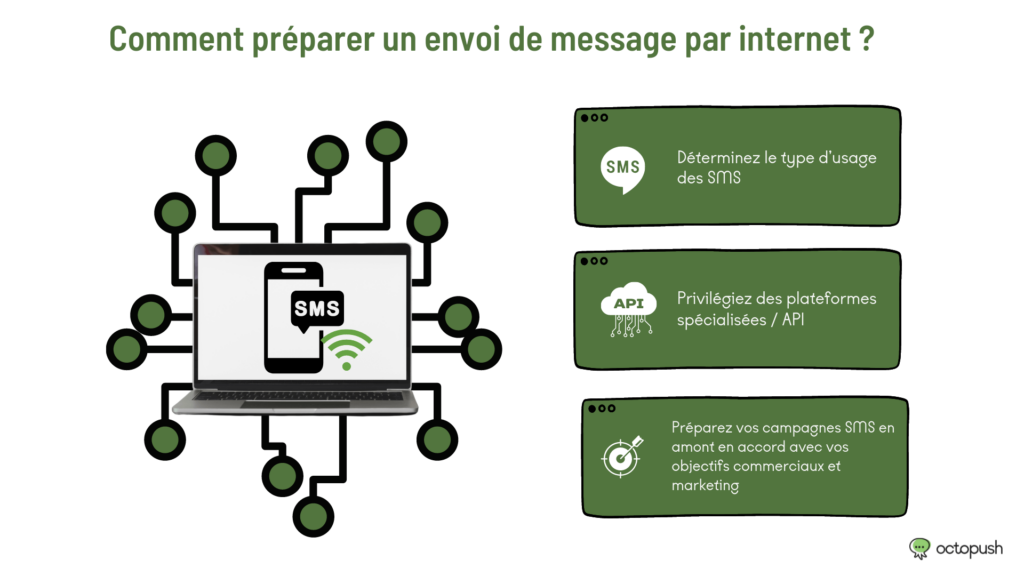
3- Prepare your SMS campaigns in advance in line with your commercial and marketing objectives
The goal of sending bulk SMS campaigns is to engage a large number of customers using a simple computer. To do this, you must prepare them to meet expectations. Focus your attention on the SMS content. It must be short, realistic, and clear. Remember that an SMS is a text that must be under 160 characters, including spaces. It must not exceed this limit, otherwise, it will be truncated. The result? Customers won't want to read it. Also, be sure to include all elements likely to attract customers to your services (links, promotional offers, etc.).
Although sending bulk SMS campaigns to mobile phones is known for its high effectiveness, it is very important to follow these criteria for better reception on mobile and for the success of your marketing. Furthermore, you must be very rigorous and demand quality in the drafting of your text message. This way, you will achieve excellent results for your products and services.
Find our guides on SMS messaging via the internet:
- Sending and receiving web SMS
- Sending SMS via the internet: benefits and techniques
- Boost your communication strategy with SMS via PC
- Sending professional SMS via the internet: what you need to know
- Send a text message to a mobile phone via the internet
- Everything you need to know about sending SMS online
- Sending text messages online: how does it work?
- What is Web SMS?
- Automate your customer contact processes via SMS
- The Web SMS service to make your campaigns more profitable
- Have you considered using SMS to grow your business?