.svg)
Table of Contents
The SMS sending platforms like Octopush offer a voice SMS service.
The process is very simple: you enter a message on the platform and send it just like any other SMS. The system converts it into audio using text-to-speech (TTS) technology. Your recipient receives a phone call containing your message.
What are the benefits of voice messages?
Sending a voice text has the advantage of being more friendly and personal for your customers.
It is more impactful, which makes customers more attentive and captures their attention more easily.
A voice message is more accessible for people with visual impairments, for whom receiving calls is easier.
Why use voice messaging to send important information?
Sending a voice text is an ideal solution for conveying urgent information that needs to be received without delay.

As part of a voice SMS campaign, you can only use it to transmit transactional information, as French law prohibits its use for promotional purposes.
However, this does not limit the variety of goals you can achieve with voice SMS.
With voice messaging, you can share the following with your customers:
- Updates on your offers and services
- Invitations to exclusive events
- Changes to opening hours, alerts, and appointment reminders.
Sending a voice text from a mobile app
In addition to standard smartphone apps, there are many apps on the market that allow you to send a voice text. Most are free and compatible with all Android mobile phone models.
These apps work very similarly to more famous counterparts like WhatsApp, Facebook Messenger, Skype, Viber, Line, or WeChat. However, they do have a few drawbacks:
- They are not universal. Both parties must have the same app installed on their phones.
- They require a constant internet connection to transmit messages.
- They are not lightweight. Transmitting audio messages often takes up space because they are saved on the recipient's device.
- They are not secure. It is possible to intercept audio files, and because they are saved on both the sender's and recipient's devices, it is possible to access this information in other ways without authorization.
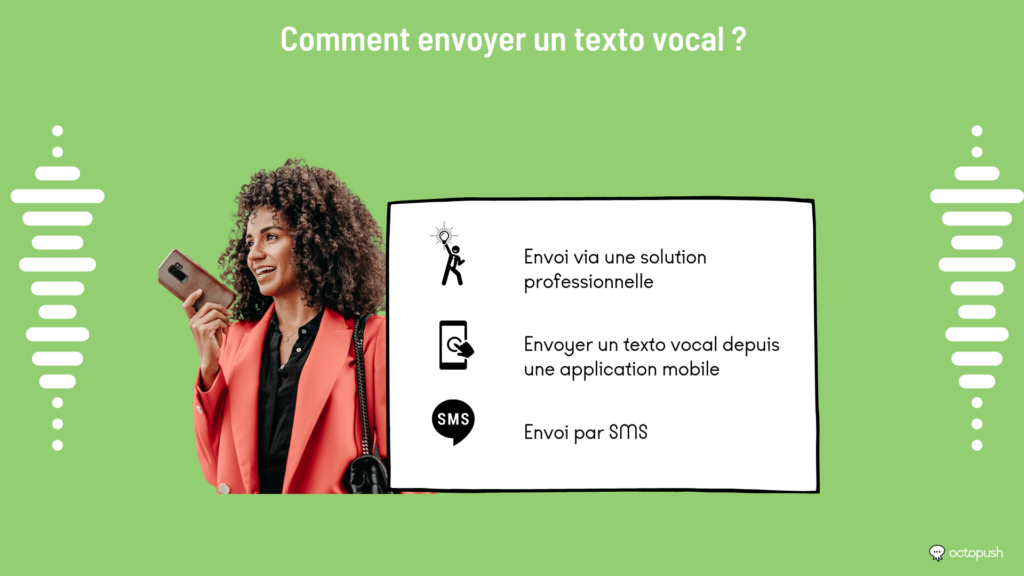
Sending via a professional solution
By using the services of a voice SMS platform, professionals can rely on an arsenal of additional features, such as delivery receipts. Sending a voice text is extremely simple.
Thanks to SMS scheduling, you can transmit your message even while you are offline.
Sending via SMS
Just like iPhones, Android mobile phones come with basic apps that allow you to record your voice. To use this feature, you must first record your message. Go to the home screen and open the voice recording app. Press the Record button, which often looks like a microphone. Speak your message out loud and, once saved, send the audio recording to the recipient of your choice.
If you don't want to repeat this process every time, you can also try using your smartphone's built-in assistant. Once again, everything is designed to make sending a voice text very easy.